

Many gamers, especially newcomers, often wonder how in-game settings affect the gameplay of streamers or professional players. Of course, each gamer and pro player has their own settings tailored to their comfort, but generally, there are a few adjustments that players can try to enhance their gaming experience.
Nemesis – the former mid-lane superstar of Fnatic and currently a streamer for Gen.G Esports, has collaborated with reporters to provide some guidance on adjusting basic but effective in-game settings that are often overlooked by players.
Mini Map Size
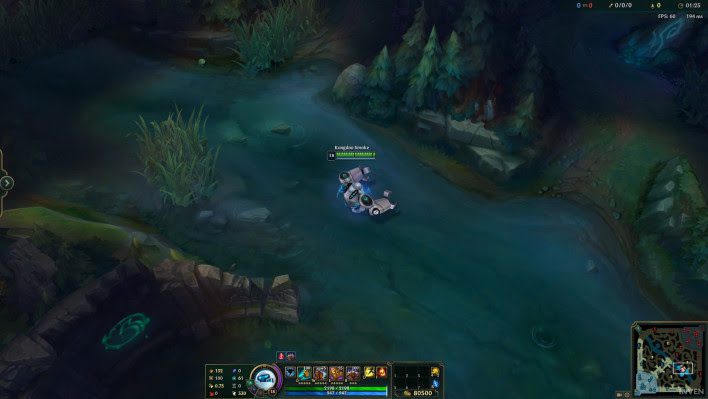
For gamers, especially professional players, the ability to observe the mini map is undoubtedly one of the most fundamental skills for excelling at League of Legends. However, the default size of the mini map in-game is 33, which is relatively adequate and does not obstruct the player’s view when observing the entire map. Nonetheless, in certain situations, players can also adjust the mini map to be smaller than 33, as long as it remains at a size that allows for observation and is not too small to strain the eyes.
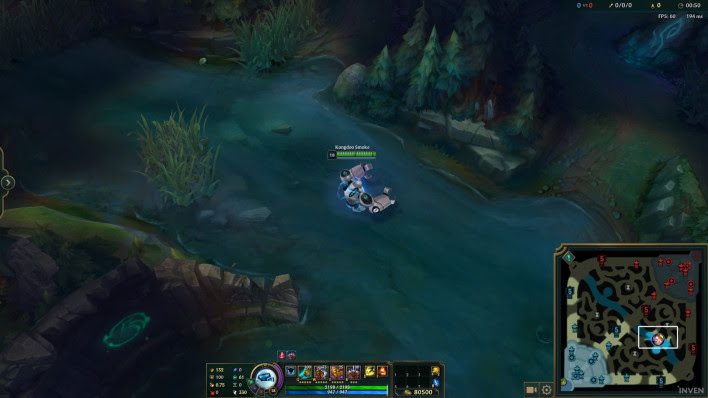
For Nemesis, 33 is the standard mini map size that even those with less than perfect vision can see clearly. At this size, the mini map harmonizes with the overall game screen and does not overwhelm the player’s field of view. However, the size of the mini map ultimately depends on the players’ preferences, as each individual may have different standards.
HUD Size
The HUD bar is the next element Nemesis mentions. For instance, when players are on the Red team, an excessively large HUD combined with the mini map can obscure what players can see on the in-game screen. This can make the laning phase significantly more challenging. In short: an oversized HUD is ineffective and can even obstruct the players’ vision.
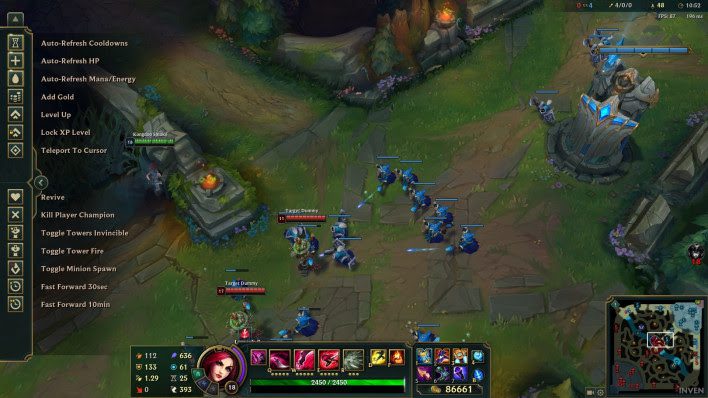
According to Nemesis, he adjusts his HUD size to be between 0 – 33, and he believes this is the optimal size. However, even if players set their HUD size to 0, it does not affect visibility, and they can still see the information on the HUD clearly as usual.
Cursor Size
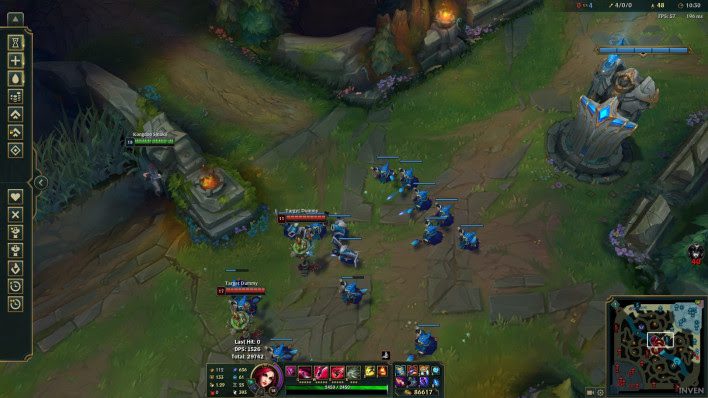
At high ranks, clicking accurately is crucial not only for farming minions (if playing as ADC, mid, or top) but also to challenge opponents. Kiting also requires precise and quick clicks, especially when using marksmen champions. Therefore, cursor size is quite important. According to Nemesis, the default cursor size of 50 is reasonable, but he usually adjusts it to between 50 – 60, and some players may choose to set it higher or lower than this threshold.
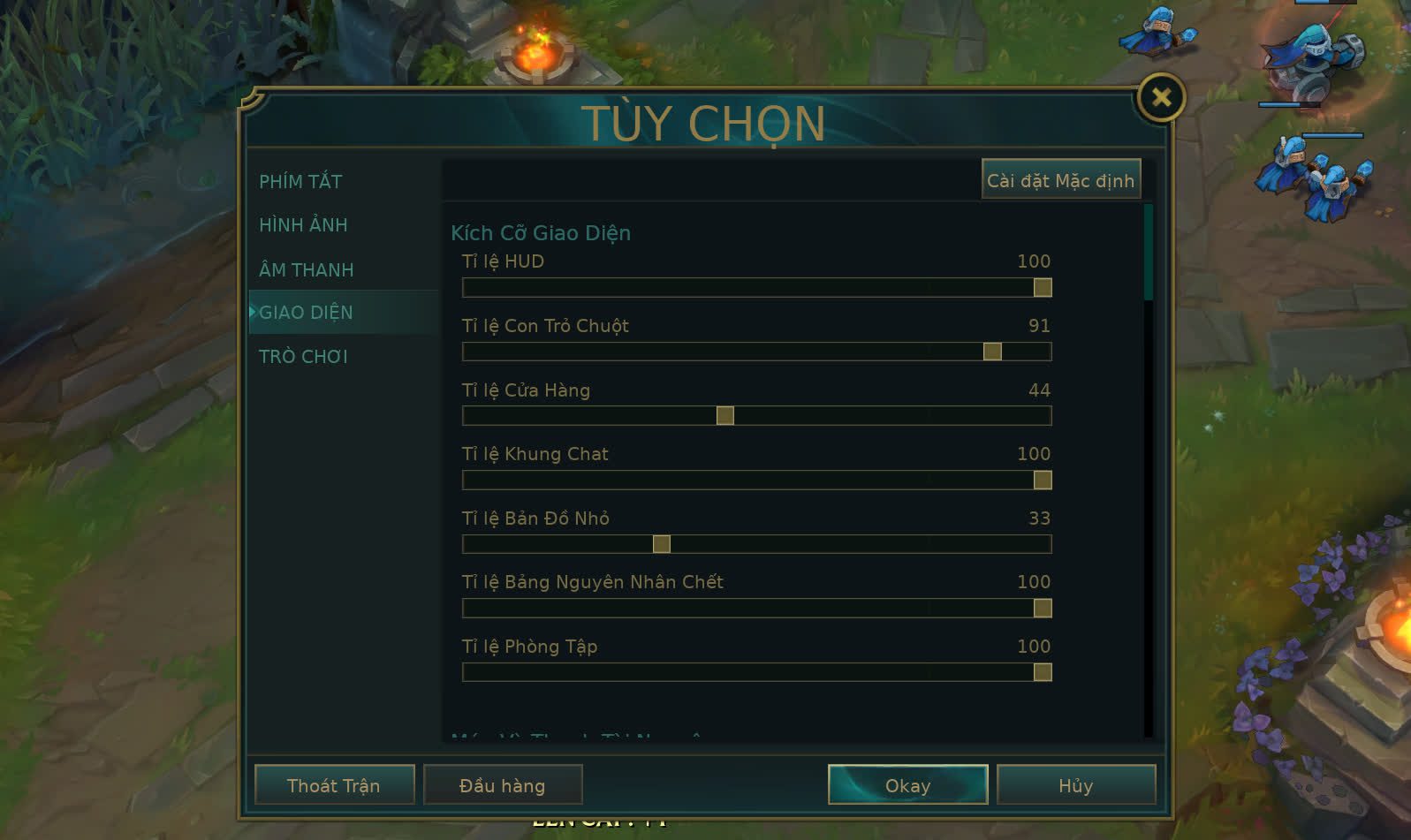
Finally, the former FNC star stated: “These in-game settings can help players improve their gaming experience. However, gamers can absolutely adjust according to their preferences. For some, having a larger HUD, mini map, or smaller cursor is more effective; they should feel free to customize to their liking. The above are the guidelines I think will be effective, but each player should regularly enter Practice Mode to find the best options for themselves.”