

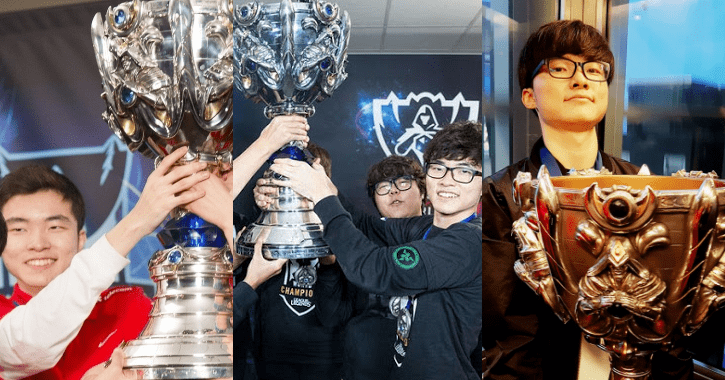
With 3 world championships, 2 MSI trophies, and a multitude of LCK titles, Faker has established himself as the greatest player in the world of League of Legends and boasts an enormous fan base. Although he is now 24 years old, an age that is no longer very young for an Esports player, Faker continues to perform exceptionally well, ready to compete evenly with the new generation of “2k players” like Chovy and ShowMaker thanks to his strong skill set and sharp tactical mind.
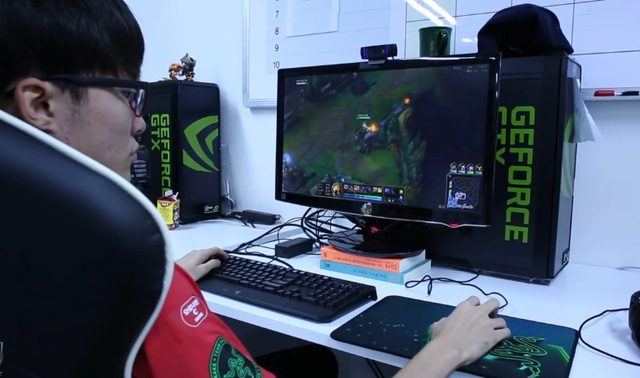
It can be said that Faker is an ideal role model for young gamers to learn from, which is why his proview videos, although somewhat “dizzying,” are still widely viewed. His choice of runes or champions is also highly anticipated. However, have you ever wondered if Faker has any special customizations regarding hotkeys or devices like his mouse? Many might think that the “Demon King” would stick to a basic setup, but the truth is not entirely that simple.
A few hours ago, the reputable American site Dotesports revealed to us the settings that Faker uses for his mouse, visuals, and hotkeys. Of course, copying Faker’s settings won’t make you instantly better at League of Legends, but at the very least, it’s a necessary starting point for improving your skills. Below are Faker’s specific settings:
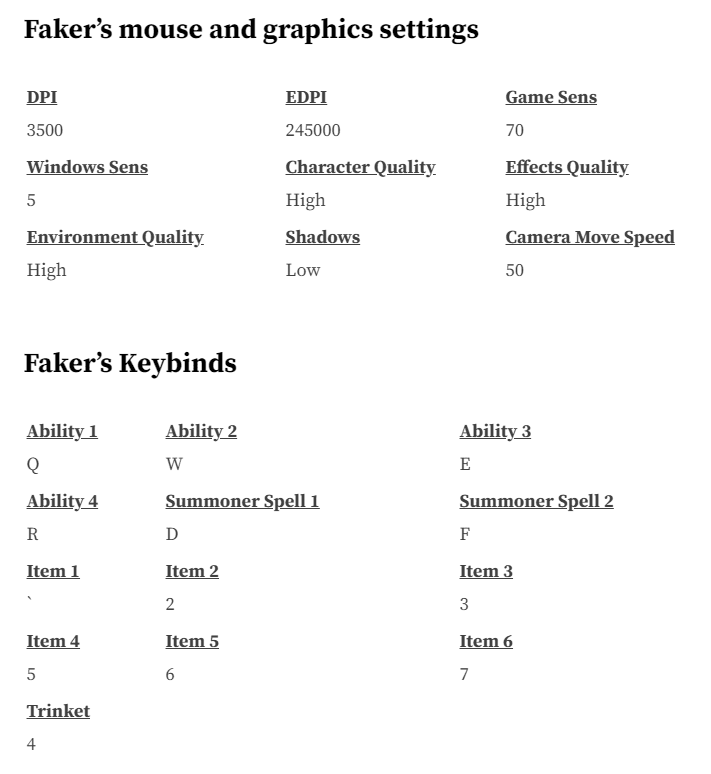
In the first part, we have Faker’s mouse and visual settings. Metrics like DPI, EDPI, or Game Sens are used to indicate mouse sensitivity (to simplify, the higher the number, the more distance the mouse moves on the screen). Faker’s mouse metrics are reported to be very fast, with a DPI of 3500, while an average gamer typically ranges from 1200 to 3200. The average Game Sens is only 50, while Faker cranks it up to 70.
The setup for in-game visuals is also quite different from the norm, as effects for characters, skills, or the environment are set to high, while character shadows are kept low. Perhaps character shadows are not particularly necessary when playing League of Legends and keeping them high only adds visual clutter.
As for hotkeys, there aren’t many differences compared to the default settings, as the 4 skills are still Q-W-E-R, and summoner spells remain on keys D and F, with Faker naturally placing Flash on key F. However, for activated items, Faker has assigned the first item slot to the key ” ` ” instead of the number 1 key as is customary, and even the sixth item is set to key 7.
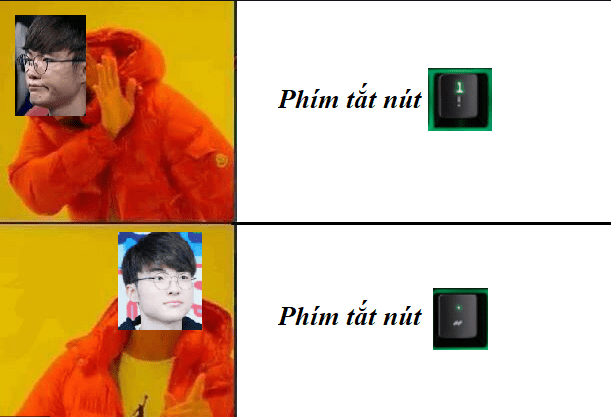
Perhaps the transition of activating items from key 1 to key ” ` ” by Faker is a rather clever setting that minimizes the likelihood of accidentally pressing 1 and Q, which are located close together. It is quite an effective strategy in reducing the chances of mistakes that gamers can learn from Faker.